The Week in Review – 2026-19

🗺️ I had to order another server for Bikerouter.
I can clearly tell that the season is in full swing (last 30 days compared to the period before: +40% more route calculations), and at times CPU resources are getting tight. Still all within limits, but it is only mid-May.
There was a bargain in Hetzner’s server auction that should also be enough for experiments with a PostGIS database for worldwide OpenStreetMap data:
- i7-8700 CPU
- 128 GB RAM
- 2× 512 GB NVMe
- 2× 2 TB SSD
I first installed the Overpass API server on the new machine and am generating the routing data with the new lookup file for BRouter 1.7.9. The routing engine on BRouter 1.7.9 is also already running there.
I want to provide the new engine, together with the matching routing data, for Bikerouter as quickly as possible, because this opens up many new possibilities for creating routing profiles.
When things calm down a bit and I have the time and motivation, I will continue to experiment with PostGIS.
🗺️ When sharing Bikerouter short links, the preview now shows the route on a map. In addition, distance, elevation gain, and estimated travel time are shown. The place names of the route’s start and end points are used as the title:

✈️ X-Plane 12 is IMHO the better flight simulator, but it has one small disadvantage compared to Microsoft Flight Simulator 2020 and 2024: the scenery does not look quite as realistic, because no high-resolution aerial and satellite imagery is projected onto the Earth’s surface.
There are various programs that address this issue, and one of them is Map Enhancement. I installed it over the weekend and, after a few quick tests, I am pretty excited. Visually, this brings X-Plane almost on par with Microsoft Flight Simulator.
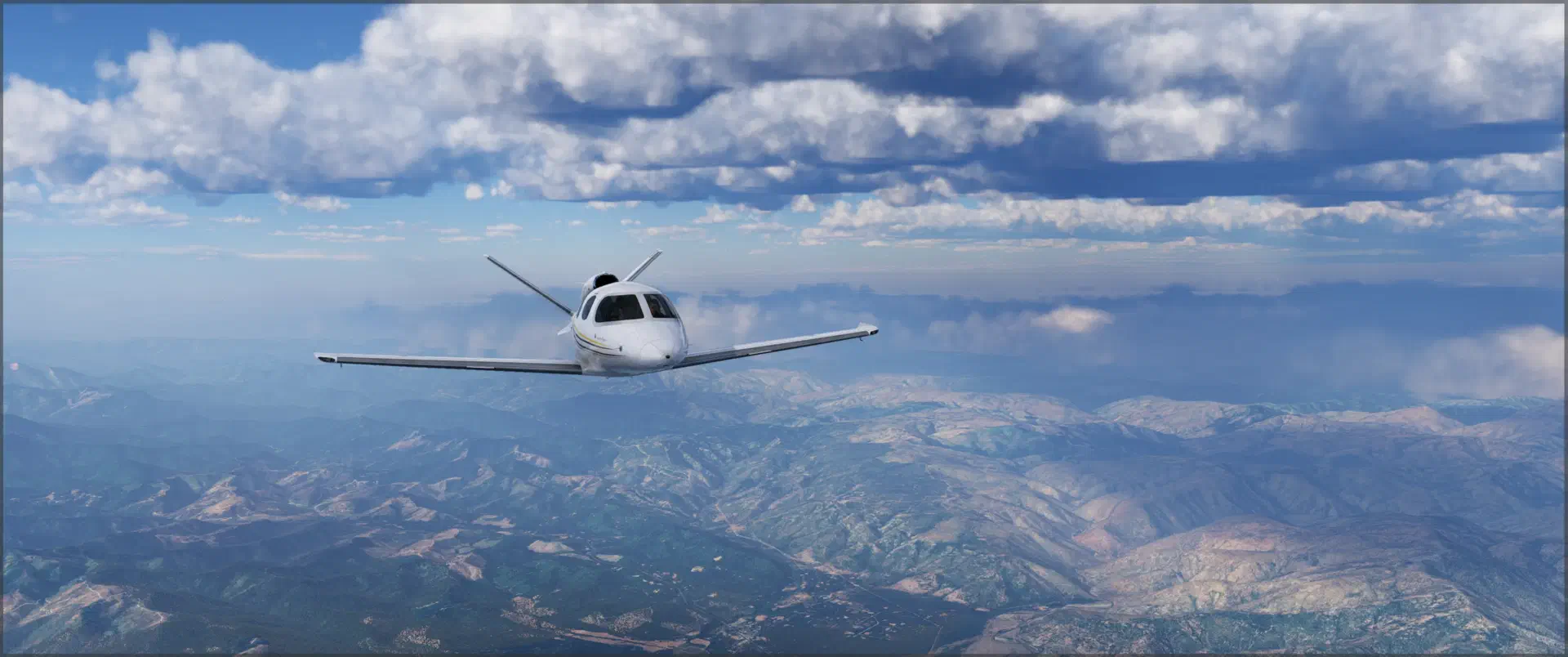
✈️ Flight simulator once again: the household has had a laminator since last week. Now I can finally bring the checklists for the various aircraft into a uniform format, print them, and make them durable by sealing them in laminate.
I remembered that someone had once built a simple web tool for creating exactly these kinds of checklists, and after a bit of searching, I found this repository.
I made a few minimal adjustments to the code and added a title (simulator and aircraft name) as well as a footer (“For Simulator Use Only”) to the checklist.
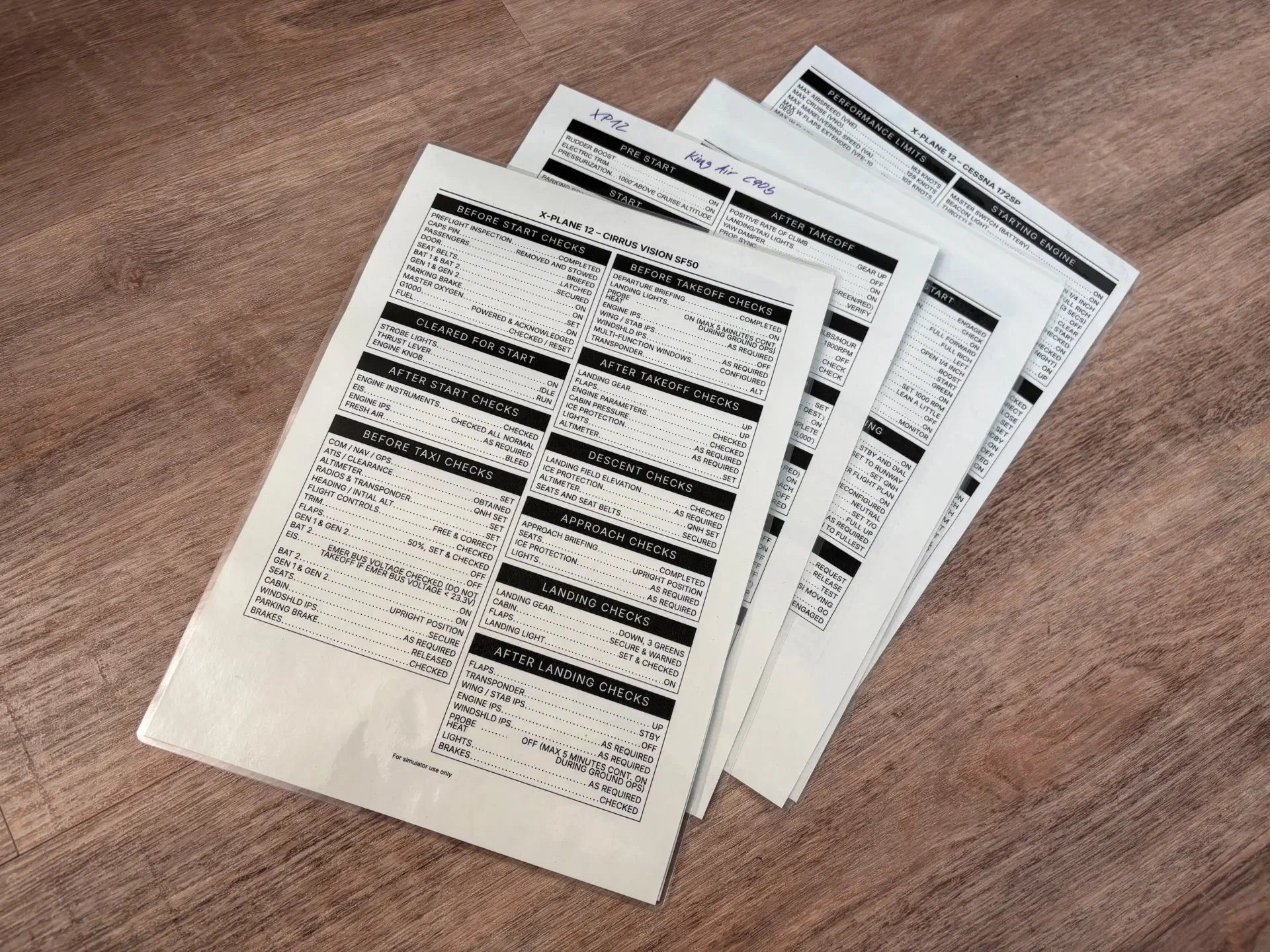
Now I finally have proper checklists and no longer have to constantly switch between simulator and browser with Alt+Tab to work through them.
For X-Plane there is a plugin that brings the checklist directly into the game as a window, but I actually like the tactile laminated-paper variant better.
🎥 After doing some research, I learned this week that in ffmpeg, on modern Silicon-based Macs, it is better to use Apple’s Video Toolbox encoder to transcode video material.
On my 2022 Mac Studio with an M1 Max processor, a 1080p video is written to h.264 format at just under 400 frames per second (MacBook Air 2020 with M1 CPU: a good 200 frames per second). The previously used libx264 encoder only managed around 100 frames per second on the Mac Studio.
For maximum compatibility, I use h.264 and create files roughly with this command (audio track remains unchanged and is only copied):
|
|
For h.265:
|
|
📸 FlowVision is an image viewer for macOS and makes a pretty good impression at first glance.
🔊 Listened this week:
Questions or comments?
The easiest way to reach me is on Mastodon.